She Takes Forever To Text Back . Sometimes we have busy lives is an excuse to not get back. Another common reason why an ex will take so long to text you back is…. He's Her Rock She's His Inspiration He's Her Balance She's His Support from onsizzle.com You keep texting back and forth. If you notice any strong patterns like the above, she probably is interested in talking to you. That’s my thing to decide how long it’ll take me to reply.
How To Block Your Cell Number When Texting. Most cell phone service providers’ websites allow you to create user accounts from where you can avail of call and text blocking options. Open call app and enter the “settings”.
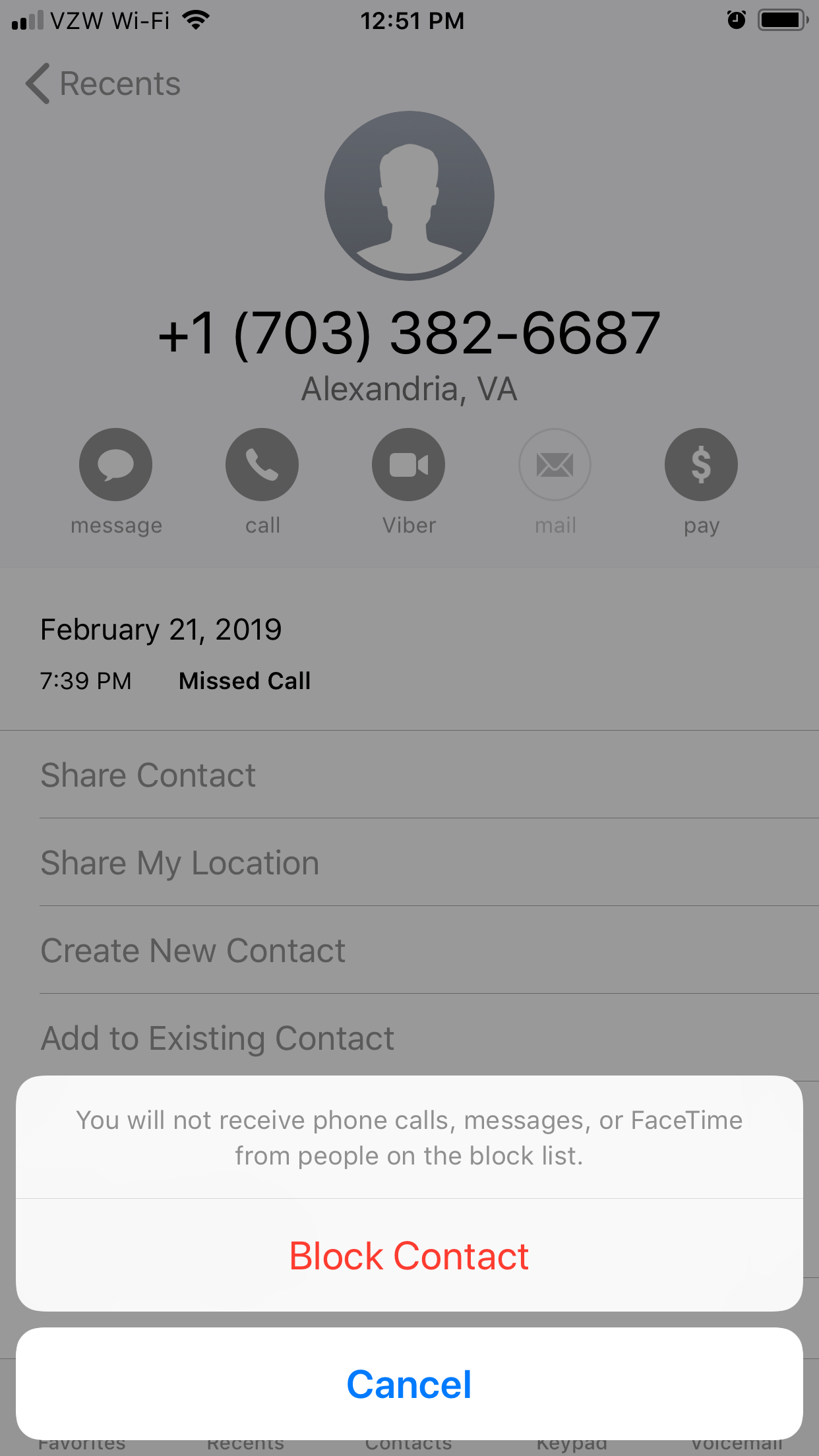
How to block a phone number on your iPhone Business Insider from www.businessinsider.com
Open the phone app, and open the menu. Dial the number you want to call. Select the circle with the line through it at the top right of the app.
If You Want To Block Your Number When Calling From A Cell Phone, You Can Easily Do It By;
Sending a text message from your mobile phone using traditional methods does not allow you to block your phone number. This way, your caller id is. If your phone has two sim cards, select the one that you use for sending text messages.
Open Up The Phone’s Settings Menu.
This will only block your number for the duration of the call. If not, skip this step. Some of the suggested sms services are:
Choose “Hide Number” To Hide Your.
Tap and hold the conversation. Dial the number you want to call. If someone has blocked my number ,will they still get the mesage if i put my phone on private
Follow These Steps To Hide Your Number When Texting On Android:
Also, certain service providers give you the option. Then try the message again. The app is usually placed on the home screen in the bottom left corner and.
Tap “Caller Id” And Select “Hide.
Open the phone app on your device. Use the toggle switch to. Select settings, then call settings.


Comments
Post a Comment